How to Shorten Titles for Google SEO
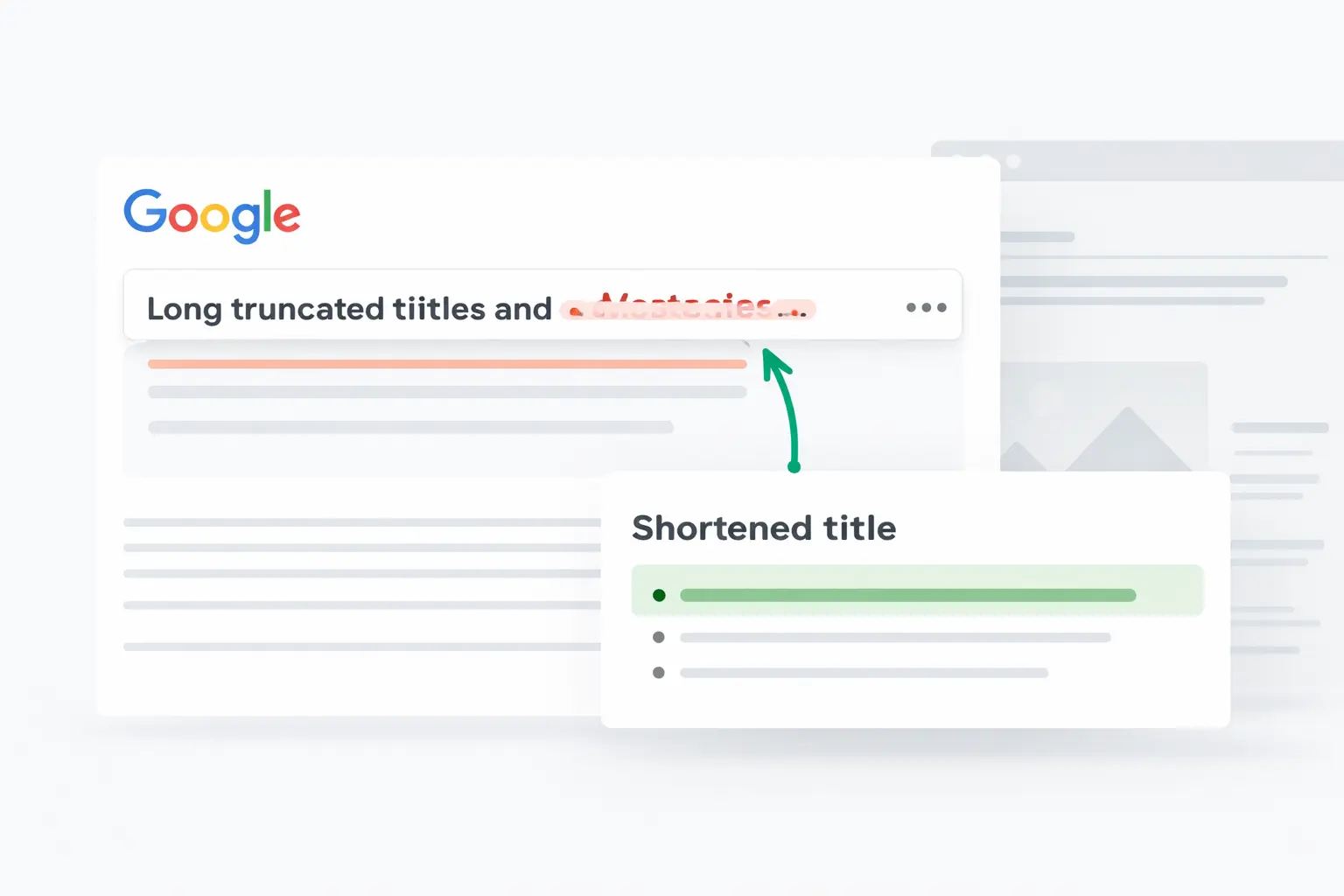
How to Shorten Titles for Google SEO Without Losing Meaning or Clicks
Many page titles start out fine and end up bloated. You add a keyword, then a modifier, then a brand name, then one more phrase “just in case,” and suddenly the title looks like it was assembled during a small panic attack. The problem is simple: titles that are too long can get truncated in Google, weaken clarity, and reduce click appeal.
In this guide, you will learn how to shorten titles for Google SEO while keeping the main topic, preserving search intent, and improving readability. You will also see a practical process you can use for blog posts, landing pages, ecommerce pages, and multilingual content.
Quick Answer
To shorten titles for Google SEO, keep the primary keyword close to the beginning, remove filler words, cut redundant modifiers, and focus on one clear promise. A good SEO title is concise, specific, readable, and aligned with what the page actually delivers. In most cases, shorter titles perform better when they communicate the topic fast and make the result easier to scan in search.
Main Explanation
Why title length matters in SEO
The title tag helps search engines and users understand what a page is about. It is one of the most visible pieces of on-page SEO because it often appears as the clickable headline in search results. When a title is too long, several problems can happen:
- The title may be truncated in search results
- The main topic may be buried too late in the title
- The page can feel less focused
- Users may skip it because it looks cluttered or vague
Google does not rank pages based on title length alone, but title clarity and relevance influence how well users understand your result. That affects clicks, and clicks affect whether your result earns attention in a crowded SERP.
Shorter does not mean weaker
A shorter title is not about deleting words randomly. It is about compression. You want to keep the meaning, the keyword focus, and the search intent, while removing anything that does not help the user decide to click.
For example, this title is not terrible, but it is inefficient:
How to Shorten Titles for Google SEO and Improve Search Visibility for Better Organic Results
A tighter version says the same thing more clearly:
How to Shorten Titles for Google SEO
The shorter version is cleaner, more direct, and better aligned with the likely query.
What makes an SEO title concise and effective
If you want to shorten titles for Google SEO successfully, keep these principles in mind:
- Lead with the main keyword: Put the core phrase early when possible
- Cut repetition: Do not restate the same concept in multiple ways
- Remove weak filler: Words like “very,” “really,” “best ever,” or “complete” often add little value
- Keep one primary angle: Do not cram multiple search intents into one title
- Make it readable: Natural language usually beats awkward keyword packing
Step-by-Step Guide
1. Identify the main keyword
Start with the exact search topic the page is targeting. In this case, the core phrase is how to shorten titles for google seo. Everything in the title should support that topic, not distract from it.
2. Remove unnecessary qualifiers
Look for words that sound important but do not add real meaning. Common examples include:
- ultimate
- amazing
- powerful
- complete
- simple and easy
If removing a word does not change the promise of the title, it probably did not need to be there.
3. Eliminate duplicate ideas
Writers often repeat meaning without noticing. For example:
How to Shorten Long SEO Titles for Google Search Results
This can be tightened because “Google SEO” and “Google search results” overlap heavily in context. A more compact option could be:
How to Shorten SEO Titles for Google
4. Keep the strongest phrase near the front
Users scan search results quickly. If the most important phrase appears too late, the title becomes weaker. Put the primary topic first, then add a useful angle only if it helps.
Example:
- Weak: Simple Ways You Can Improve Visibility by Learning How to Shorten Titles for Google SEO
- Better: How to Shorten Titles for Google SEO
- Better with angle: How to Shorten Titles for Google SEO Without Losing Clicks
5. Check whether the title matches intent
For informational queries, people want a clear answer or process. They usually do not want vague brand language or overblown claims. A title should tell them what they will learn, not sound like an ad trying too hard to impress strangers on the internet.
6. Test alternative versions
Try writing three to five title options. Then compare them based on clarity, keyword placement, length, and click appeal. This is often the fastest way to improve title quality.
7. Rewrite the slug and meta description if needed
Shortening the title may reveal that the URL slug or meta description is also too long or too repetitive. Good SEO pages usually benefit from consistency across the title tag, slug, and meta description.
Examples and Practical Applications
Example 1: Blog post title
Too long: How to Shorten Titles for Google SEO and Improve Rankings, Visibility, and Organic Click Through Rate
Improved: How to Shorten Titles for Google SEO
Alternative: How to Shorten Titles for Google SEO Without Losing Clicks
Example 2: Ecommerce category page
Too long: Affordable Running Shoes for Men and Women with Lightweight Support and Everyday Comfort
Improved: Affordable Running Shoes for Men and Women
The shorter version keeps the commercial topic and removes extra descriptive padding.
Example 3: Service landing page
Too long: Professional Technical SEO Audit Services for Ecommerce, SaaS, and Content Websites
Improved: Technical SEO Audit Services
Alternative: Technical SEO Audits for Ecommerce and SaaS
The best option depends on the page focus. The point is not to make it tiny for the sake of it. The point is to make it precise.
Common Mistakes
- Stuffing too many keywords into one title: This hurts readability and can make the page feel spammy
- Keeping every modifier: Not every adjective deserves to survive
- Ignoring intent: Informational pages need clarity, not sales-heavy phrasing
- Making the title vague: A short title that says nothing useful is still bad
- Forgetting the page type: Blog posts, product pages, and landing pages often need different title structures
- Not reviewing multilingual versions: A title that works in English may expand awkwardly in another language
How SEO Snapshot Helps
If you are trying to shorten titles for Google SEO, the hardest part is usually not the theory. It is the repetitive editing work. You write a long headline, trim it, rewrite the summary, adjust the meta description, and then realize the slug also needs cleanup. Humans do love turning one small title change into a whole side quest.
SEO Snapshot helps simplify that process by generating concise summaries, SEO titles, meta descriptions, and URL slugs in one place. Because it works client-side and supports multilingual workflows, it is useful when you need to tighten content quickly without bouncing between multiple tools.
This is especially helpful when:
- You want shorter title options based on the same topic
- You need a matching meta description after rewriting the title
- You are working in more than one language
- You want a cleaner slug that reflects the shortened title
Instead of manually rewriting every field from scratch, you can use the tool to produce cleaner variants and compare them before publishing.
Try it with the tool
Take one of your overlong titles and run it through SEO Snapshot. Compare the shorter title suggestion, the summary, the meta description, and the slug together. This makes it easier to keep the page focused and consistent, which is exactly what strong on-page SEO needs.
Conclusion
Learning how to shorten titles for Google SEO is really about learning how to prioritize meaning. Keep the primary keyword visible, remove filler, cut repetition, and make the title easier to scan. A strong title does not need to say everything. It needs to say the right thing, fast.
If you want a practical workflow for creating tighter SEO titles along with matching summaries, meta descriptions, and slugs, SEO Snapshot gives you a faster way to do it without turning title optimization into manual busywork.